
Projector screen gain measures how much light the screen reflects compared to a standard surface, affecting brightness, clarity, and viewing angles. A higher gain makes images look brighter, but with narrower viewing angles, while lower gain offers more even light distribution ideal for larger spaces or multiple viewers. Selecting the right gain depends on your room’s lighting and setup. Keep exploring to discover how different materials and gains best fit your needs.
Key Takeaways
- Gain measures how much light a screen reflects compared to a standard surface, affecting brightness and image vividness.
- Higher gain screens are brighter but have narrower viewing angles, while lower gain screens offer more even brightness across wider angles.
- The gain number indicates the reflectivity; for example, a gain of 2.0 doubles the brightness compared to a standard whiteboard.
- Different materials are designed for specific gain levels, balancing brightness, durability, and flexibility based on room lighting and use.
- Selecting the right gain involves matching screen material properties with your environment’s ambient light and viewer positioning.
What Is Projector Screen Gain and Why Is It Important?

Projector screen gain measures how much light the screen reflects compared to a standard whiteboard, which has a gain of 1.0. A higher gain means the screen reflects more light, making images brighter and more vivid. This can be especially helpful in well-lit rooms or when projecting from a distance. But aside from brightness, gain also relates to screen durability and material flexibility. Durable materials ensure the screen withstands regular use without damage, while flexible materials allow you to mount or transport the screen easily. Understanding gain helps you choose a screen that balances brightness needs with durability and flexibility, ensuring your setup lasts longer and adapts to your environment. It’s a key factor in selecting the right projector screen for your space.
How Does Screen Gain Affect Brightness and Image Quality?

Your screen’s gain directly influences how evenly brightness is distributed across the image, affecting overall clarity. Higher gain screens reflect more light, which can boost brightness but may reduce contrast and sharpness if not managed properly. Understanding these effects helps you choose the right material for sharp, vibrant images in your viewing environment.
Brightness Distribution Impact
The gain of a projector screen directly influences how brightness is distributed across the image, affecting overall visibility and clarity. Higher gain screens reflect more light toward the viewer, creating a brighter image, but this can cause uneven brightness if you’re viewing from off-center angles. Conversely, lower gain screens spread light more evenly, reducing hotspots and maintaining consistent brightness regardless of your seating position. Ambient lighting plays a role here; in bright rooms, a higher gain screen can boost visibility, but it may exaggerate glare or hotspots. Screen color also impacts this distribution—white screens tend to reflect light uniformly, while tinted or colored screens can influence how brightness is perceived across the image. Balancing gain with your room’s lighting conditions helps optimize image visibility and quality.
Image Clarity and Contrast
When choosing a screen gain, understanding its effect on brightness and contrast is essential for achieving clear, vivid images. Higher gain screens reflect more light, making images appear brighter, which helps in well-lit environments with ambient lighting. However, too high a gain can reduce contrast and cause hot-spotting, where the center appears overly bright. Lower gain screens provide better contrast and wider viewing angles, improving image clarity in darker rooms. Additionally, consider screen durability—some high-gain materials may be more fragile or prone to glare. Balancing gain with ambient lighting conditions ensures your images stay sharp and vibrant without sacrificing contrast. Ultimately, selecting the right gain enhances both image clarity and contrast, delivering a better viewing experience suited to your environment.
What Do Low, Medium, and High Gain Levels Mean?
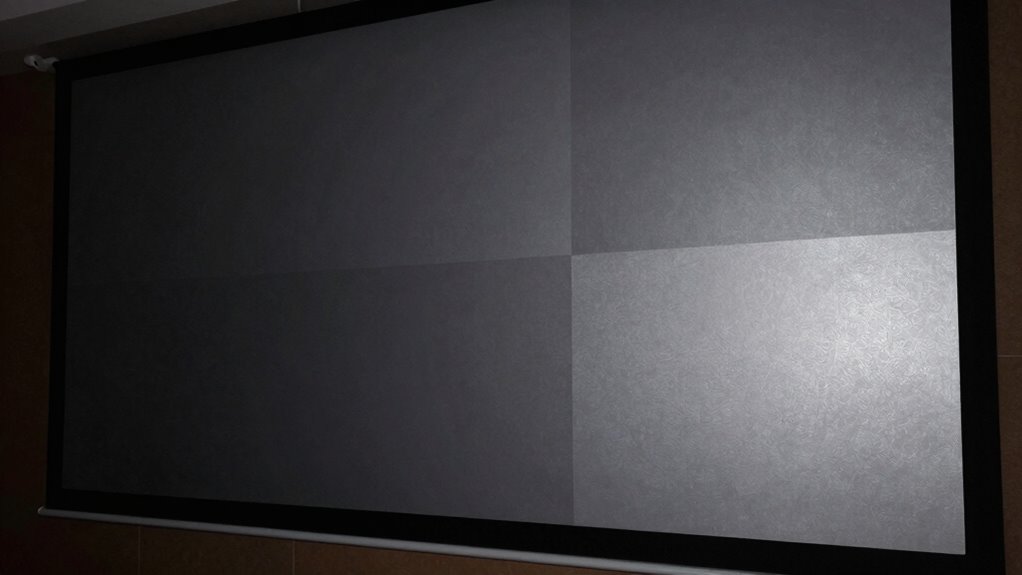
Understanding gain levels is essential when choosing a projector screen because they directly affect the brightness and viewing experience. Low gain screens, around 0.2 to 1.0, reflect light evenly, making them ideal for rooms with ambient lighting and wide viewing angles. Medium gain screens, about 1.1 to 2.0, balance brightness and color accuracy, suitable for most environments with moderate ambient light. High gain screens, above 2.0, reflect light directly, boosting brightness but narrowing viewing angles. This means everyone needs to sit directly in front of the screen to see the image clearly. If your room has lots of ambient lighting or if viewers are spread out, understanding these levels helps you pick the right gain to optimize brightness and image quality without sacrificing viewing comfort.
How to Choose the Right Gain for Your Room and Setup
Choosing the right gain for your room and setup depends on your specific lighting conditions and viewing preferences. If your room has ambient light, a higher gain screen can help maintain brightness and guarantee clear images. However, keep in mind that higher gain screens may reduce color accuracy, so if true color reproduction is vital, a medium or low gain might be better. Portability considerations also matter—high-gain screens are often less portable because of their size and weight. Conversely, low-gain screens are easier to move and set up, making them ideal for flexible setups. Assess your room’s lighting and how important color accuracy is to you, then select a gain level that balances brightness, color fidelity, and portability.
What Are the Advantages and Disadvantages of High-Gain Screens?
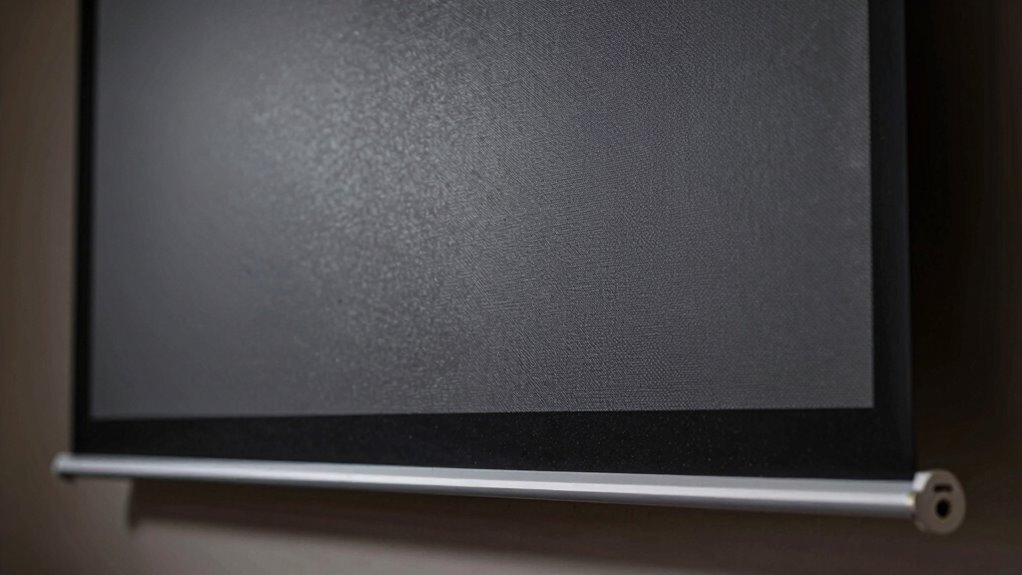
Are high-gain screens worth considering for your home theater setup? They can boost brightness and improve image clarity in well-lit rooms. However, they come with some downsides. High-gain screens tend to be less durable and more prone to scratches or damage, so careful handling is essential. Installation challenges also increase because these screens often have a narrower viewing angle, meaning you’ll need precise positioning for the best image. Here’s a quick visual to help you imagine the differences:
| Advantage | Disadvantage |
|---|---|
| Bright, vivid images | Reduced viewing angles |
| Better for ambient light | Higher risk of damage |
| More reflective surface | Difficult to install properly |
| Longer-lasting material | May require frequent adjustments |
Considering these factors helps determine if a high-gain screen suits your room and setup.
When Should You Pick a Low-Gain Screen?
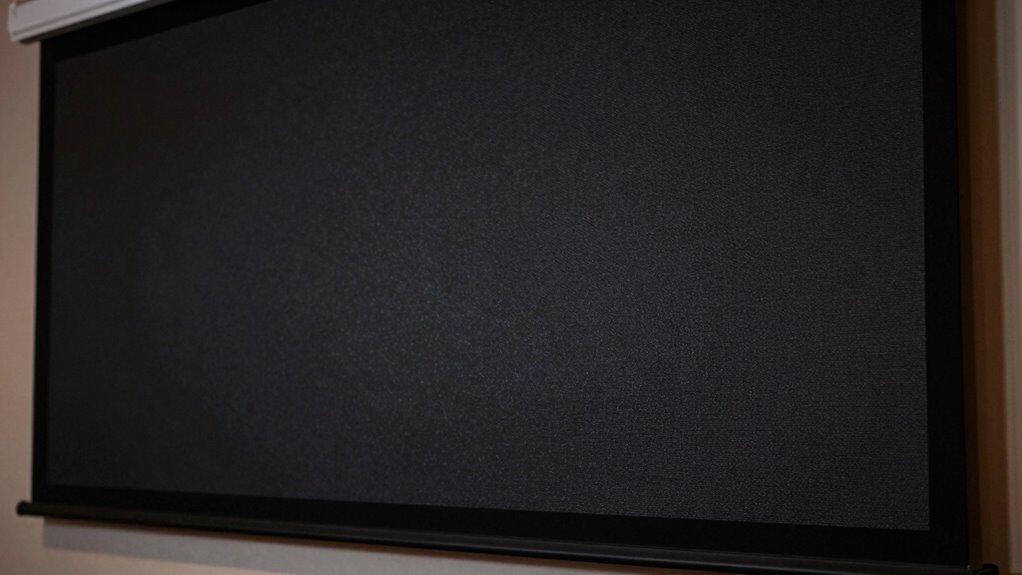
A low-gain screen is ideal when you want a wider viewing angle and better performance in rooms with ambient light. With a lower gain, the image remains clearer from different positions, reducing hot spots and ensuring everyone gets a good view. If your space has ambient light that’s hard to control, a low-gain screen helps minimize washout and maintains color accuracy. You’ll also benefit if viewers need to sit at various angles, as the picture won’t distort or fade. This makes low-gain screens perfect for larger rooms, classrooms, or conference areas where multiple viewers are spread out. Choose a low-gain screen if your priority is broad viewing angles and improved performance in less controlled lighting conditions.
How to Match Your Screen’s Gain With Your Projector’s Lumens
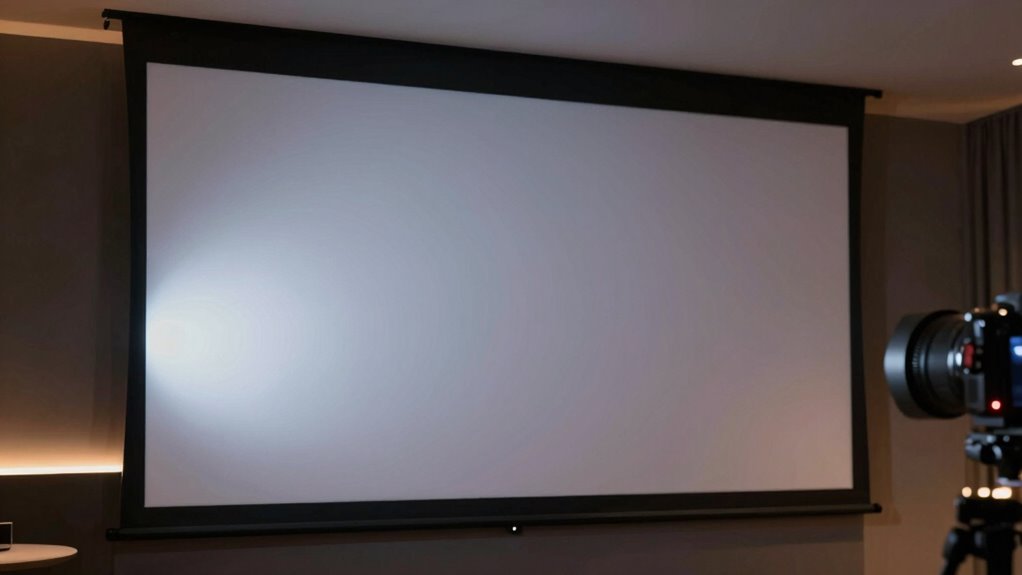
Matching your screen’s gain with your projector’s lumens is essential for achieving a bright, clear image, especially in your specific viewing environment. Consider projection angles, as they influence how light is reflected; a higher gain screen directs more light forward, making it ideal for wider angles or larger rooms. Ambient lighting also plays a key role—if your space has lots of ambient light, a higher gain screen can help maintain brightness, but too high a gain might cause hotspots or glare. Conversely, in darker rooms, a lower gain screen can produce a more even image without oversaturation. To get the best results, match your projector’s lumens to your screen’s gain, factoring in projection angles and ambient lighting conditions to optimize brightness and clarity.
Tips for Selecting the Best Screen Material for Your Needs

Choosing the right screen material depends on your specific viewing environment and needs. Consider the room’s lighting and how you’ll use the projector. If you need wide viewing angles so everyone sees a clear picture from different positions, select a screen material designed for broad angles. Matte white screens are versatile, offering decent viewing angles and color accuracy, making them ideal for most settings. If you have a controlled lighting environment and want brighter images, a high-gain screen might be better, but be aware it can narrow viewing angles. For spaces with ambient light, consider specialized materials that resist washout. Ultimately, weigh the importance of viewing angles against brightness and ambient conditions to choose the best screen material for your setup.
Frequently Asked Questions
Can Screen Gain Change Over Time or With Environmental Conditions?
Yes, screen gain can change over time or with environmental conditions. If your screen isn’t environmentally stable, humidity or temperature fluctuations can affect its material durability, causing the gain to shift slightly. Over years, wear and tear may also impact the surface’s reflective properties. To maintain consistent performance, choose durable materials and guarantee proper environmental control, keeping your screen’s gain stable for the best viewing experience.
Are Certain Screen Materials Better for 3D or 4K Projectors?
You should choose screen materials that are specifically designed for 3D compatibility and 4K enhancement. For 3D, look for screens with high gain and minimal cross-talk to guarantee clear images. For 4K, opt for materials with high resolution support and wide viewing angles that maintain sharpness. Some screens excel in both areas, offering versatility for high-quality 3D and 4K content, making your viewing experience more immersive and vibrant.
How Does Ambient Light Impact the Effectiveness of Different Gain Screens?
Ambient light can totally flood your screen, making it nearly impossible to see details clearly. Higher gain screens reflect more light, boosting screen contrast but also amplifying ambient light’s washout effect. Lower gain screens absorb more ambient light, helping maintain contrast in bright rooms. So, if your space has lots of ambient light, opt for a lower gain screen to keep images sharp and vibrant, even when the lighting’s intense.
Is There a Universal Gain Setting Ideal for All Types of Content?
There’s no universal gain setting ideal for all content because it depends on your environment and priorities. If you want better color accuracy and vibrant images, choose a lower gain screen. Higher gain screens boost brightness but can skew colors and reduce viewing angles. Consider your ambient light and budget—higher gain may cost more but offers brighter images, while lower gain preserves color fidelity and wider angles. Adjust based on your specific needs.
What Maintenance Is Required to Keep a High-Gain Screen Performing Well?
You keep your high-gain screen performing well by sticking to simple cleaning routines and storage tips. Regularly dust it gently with a microfiber cloth, avoiding harsh chemicals that could damage the surface. When not in use, roll or store it in a protective tube to prevent scratches or dust buildup. Just like tuning a musical instrument, consistent care guarantees your screen remains vibrant and sharp, ready for every presentation or movie night.
Conclusion
Choosing the right projector screen gain isn’t just about numbers—it’s about creating the perfect viewing experience. When your screen’s brightness matches your projector’s lumens, it’s like finding a quiet lake that perfectly reflects the sky. With the right gain, your movies come alive, colors pop, and every detail shines through. So, take your time, match your setup, and enjoy the seamless harmony that turns your room into a cinematic oasis.